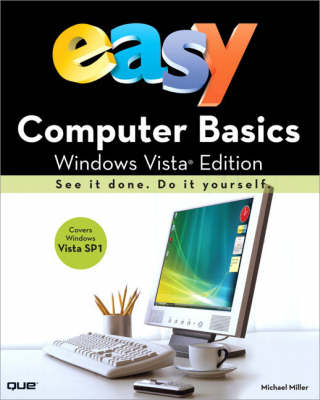
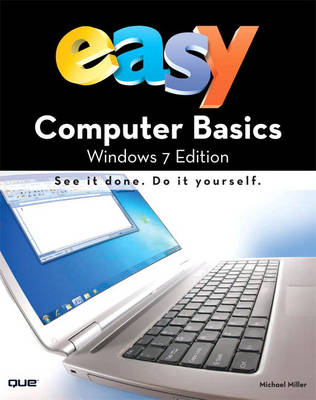
See it done. Do it yourself. It's that Easy! Easy Computer Basics, Windows Vista Edition teaches you the fundamentals to help you get the most from your computer hardware and software. Fully illustrated steps with simple instructions guide you through each task, building the skills you need to do what you want to do. No need to feel intimidated; we'll hold your hand every step of the way. Learn how to...Set up and configure your new computer systemUpgrade your computer with new hardware and softwareUse Windows Vista--and personalize it just for youConnect to the Internet for web surfing, email, and instant messagingManage and edit digital photos with Windows Photo GalleryPlay, copy, and burn your own music CDs--and download music from the Internet to play on your iPodProtect your family and your computer from viruses, spam, and spywareSet up a wireless home network and share your Internet connection with multiple computers Easy steps guide you through each task.Items you select or click are shown in bold.Each step is fully illustrated. Category: ComputersCovers: General Computing User Level: Beginning Introduction 1Part 1: Understanding How Your Computer Works 2Part 2: Setting Up and Using a Desktop PC 14Part 3: Setting Up and Using a Notebook PC 28Part 4: Using Microsoft Windows Vista 38Part 5: Working with Files and Folders 62Part 6: Using Microsoft Word 78Part 7: Connecting to the Internet 96Part 8: Setting Up a Wireless Home Network 132Part 9: Playing Music and Movies 150Part 10: Working with Digital Photos 168Part 11: Adding New Devices to Your System 190Part 12: Protecting Your Computer 200Part 13: Taking Care of Your Computer 214Glossary 228
BOOK OF THE WEEK - Young readers will love this gorgeous picture book about a chilled capybara who just won't be rushed.
Can you solve the puzzles to save the Kingdom? Put your puzzle skills to the test with mazes, word games and codes to crack!
The second book in this popular series celebrating friendship, magic and fighting for what you believe in.
See More Educational: IT & computing, ICT
No one has written a review for 'Easy Computer Basics, Windows Vista Edition'
Why not be the first to share your opinion?